

Create and configure an Enterprise Dedicated instance for Qoder CN.
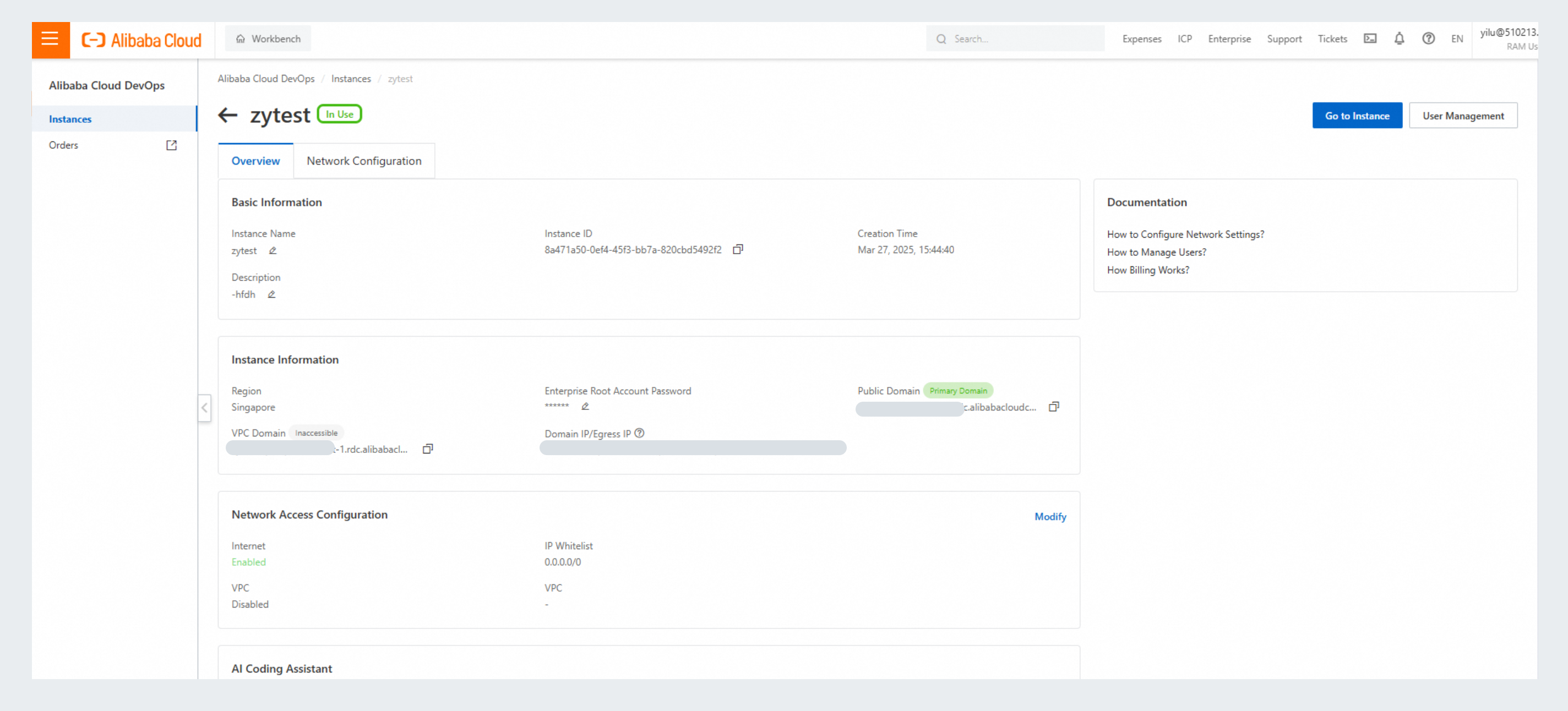
When an enterprise instance is created and in a running state, you can configure basic information, instance information, and network access.
Applies to: Dedicated Edition
Create an Enterprise Dedicated instance
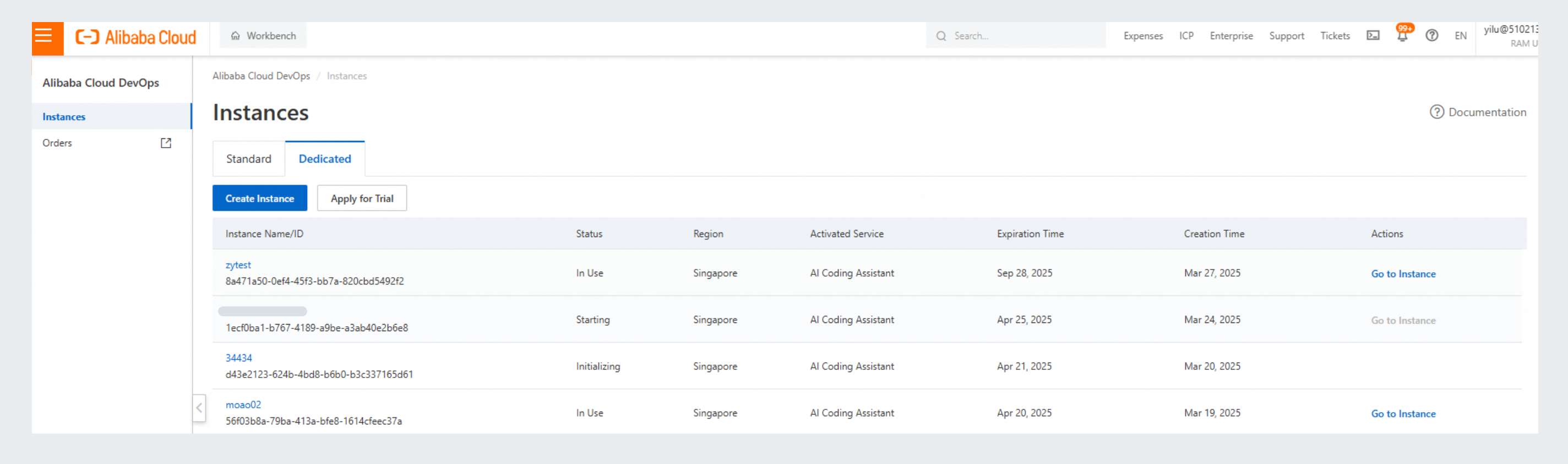
- Log on to the Qoder CN console with an Alibaba Cloud account or a RAM user with the AliyunRDCFullAccess policy, and select Dedicated:
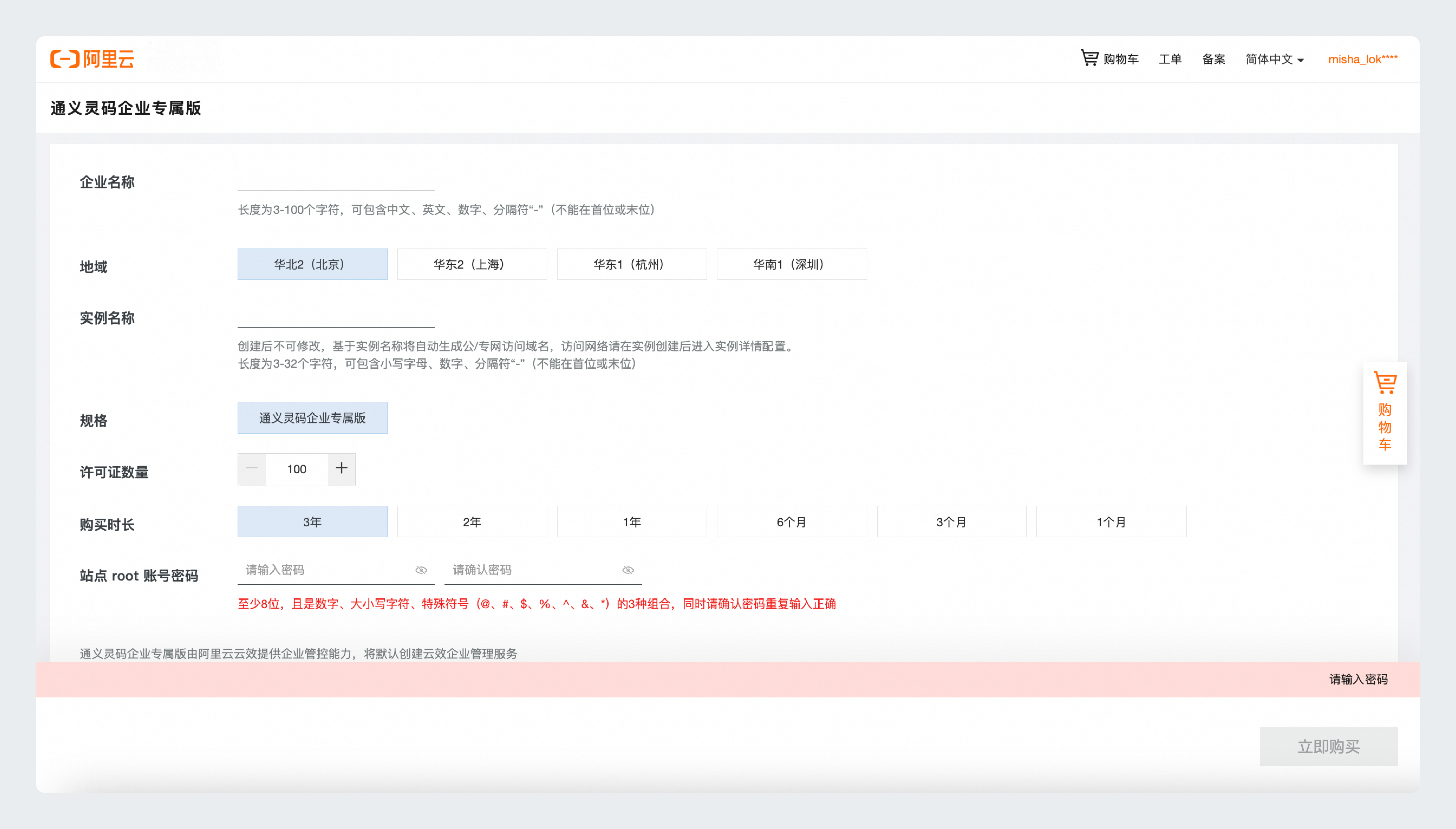
- Click Create Instance to open the purchase page, and configure the following parameters:
- Instance Name: The name of the enterprise instance. Supports Chinese characters, letters, digits, and hyphens (-).
- Region: The region to deploy the instance.
- Instance ID: Used to automatically generate domain names for public (Internet) and private (VPC) network access. For security, network access is disabled by default when the instance is created. Configure network access on the instance details page after creation.
- Root Password: The initial password for the root account, used to log on to the instance. You can change it later on the instance details page.
Qoder CN Enterprise Dedicated Edition requires the Alibaba Cloud DevOps enterprise management service for enterprise governance. An enterprise management service is created by default.
-
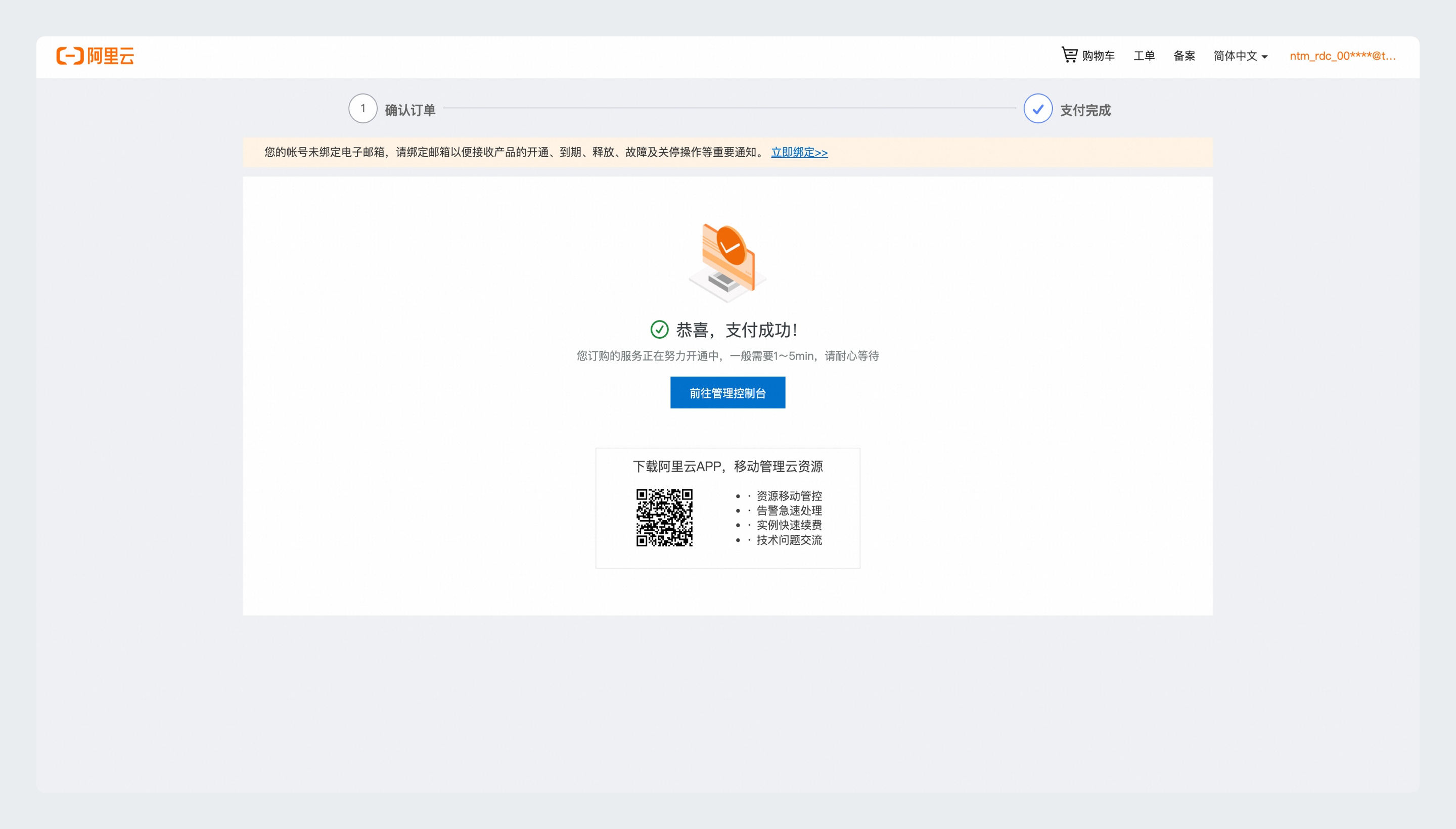
After the purchase completes, return to the console. If the instance is not visible, wait a moment and refresh the page:
-
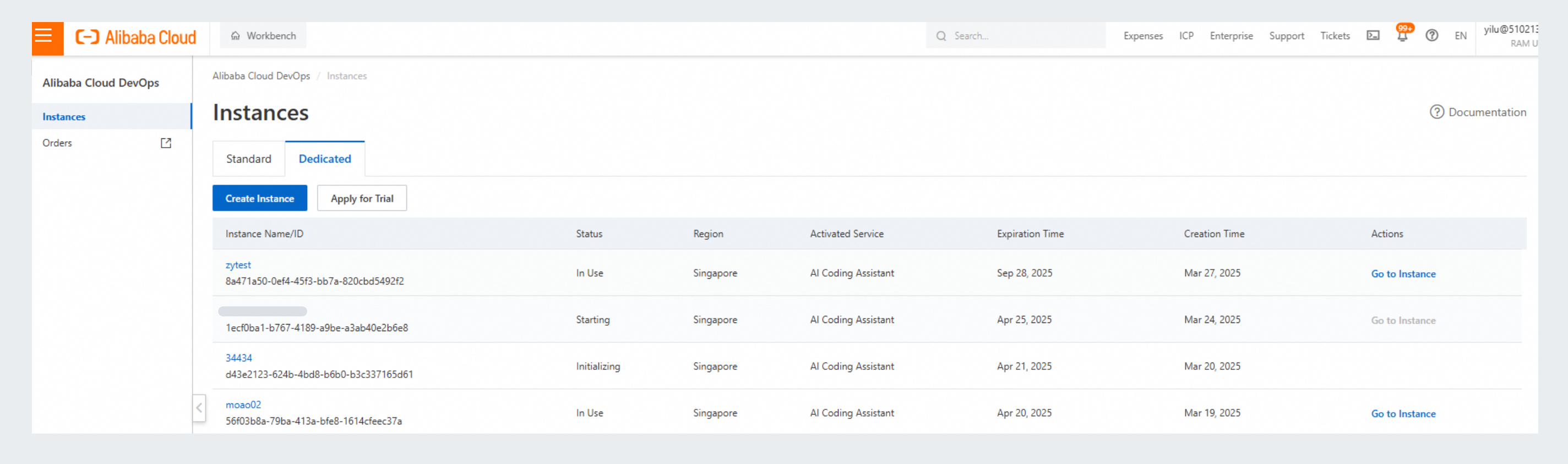
After the enterprise instance is created, view its status in the enterprise list:
For network security, public and private network access is disabled by default after the enterprise instance is created, so the public network cannot access the instance. Configure network settings after the instance reaches the In Use state. For details, see Network configuration.
Instance configuration
When an enterprise instance is created and in a running state, you can configure basic information, instance information, and network access.
- Basic information: Modify the enterprise name and description.
- Instance information: Change the root password of the enterprise, which is the super administrator password.
- Network access configuration. For details, see Network configuration.