

This topic explains how enterprise administrators create, edit, and delete departments.
Enterprise administrators use department management to set up the organization's structure and sync members by department within organizational applications.


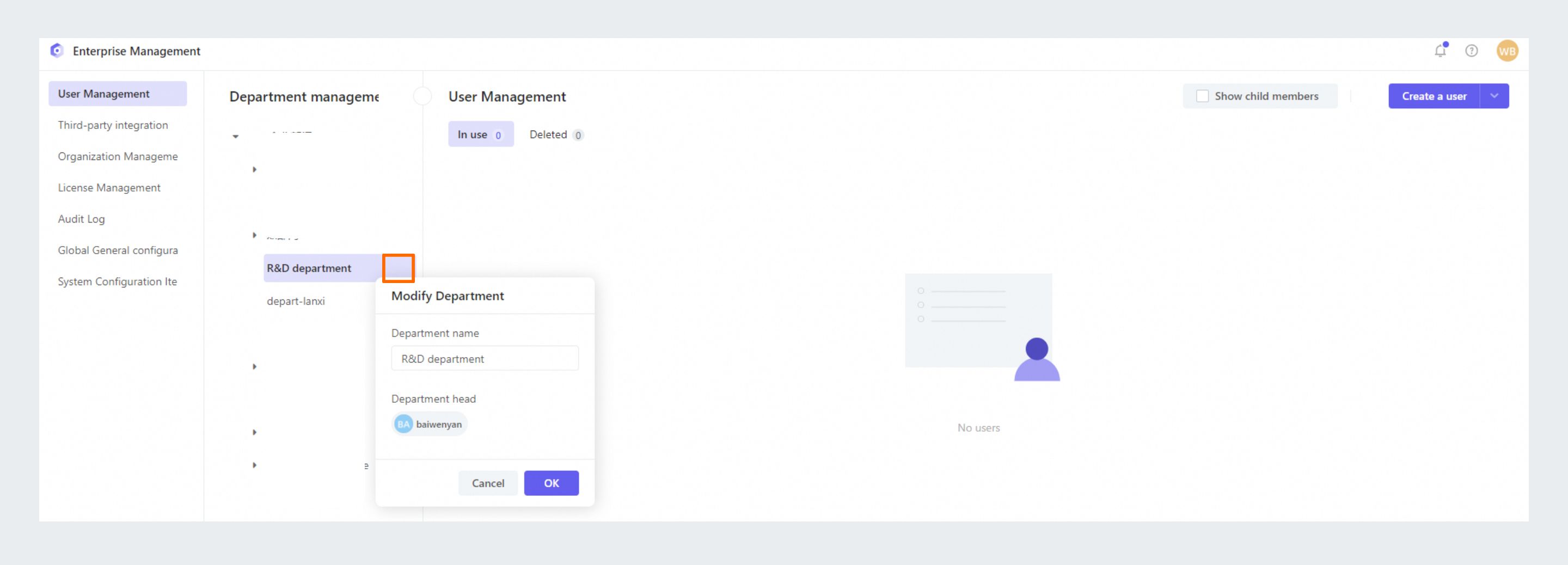
Select the department you want to edit, and click Edit Department.
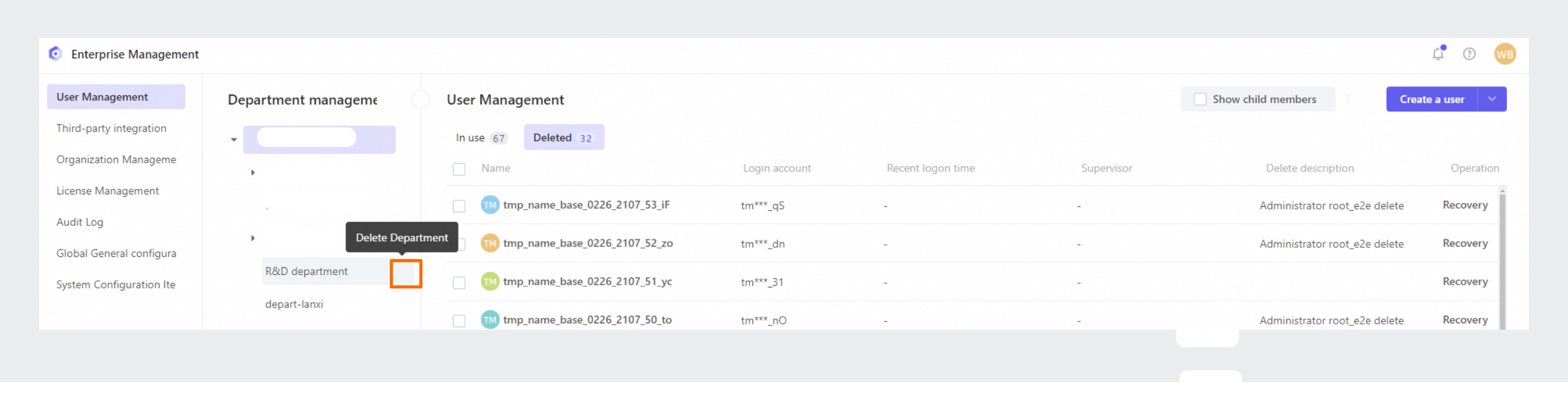
Select the department you want to delete, and click Delete Department.
Applies to: Dedicated Edition
Department management
Enterprise administrators use department management to set up the organization's structure and sync members by department within organizational applications.
Create a department
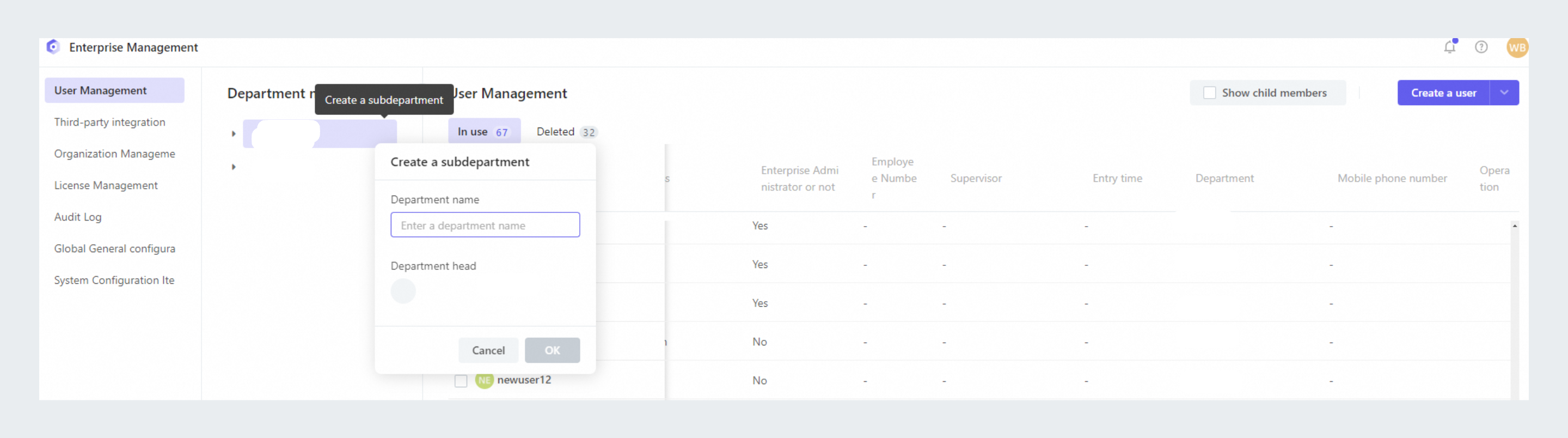
- Create an enterprise department: In the enterprise department tree, click to create a department.

- Create another department: In the other department tree, click to create a department.

Edit a department
Select the department you want to edit, and click Edit Department.
Delete a department
Select the department you want to delete, and click Delete Department.