

Qoder CN generates line-level and method-level code suggestions using current file context, cross-file dependencies, or enterprise coding standards.
As you type code with automatic cloud-based generation enabled, Qoder CN provides line-level and method-level code suggestions based on context from your current and related files. Use keyboard shortcuts to accept, discard, or cycle through suggestions.
To manually trigger a suggestion, press ⌥(option) P on macOS or Alt P on Windows.
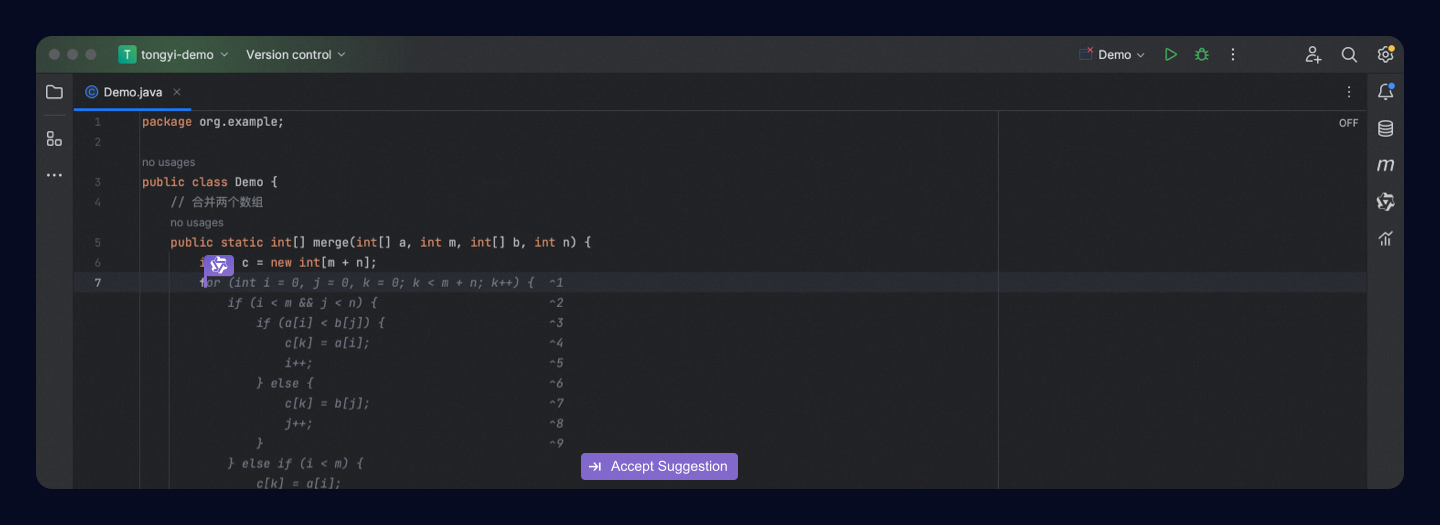 Keyboard shortcuts for code suggestions:
Tip: Customize keyboard shortcuts for your operating system in Configuration and feedback.
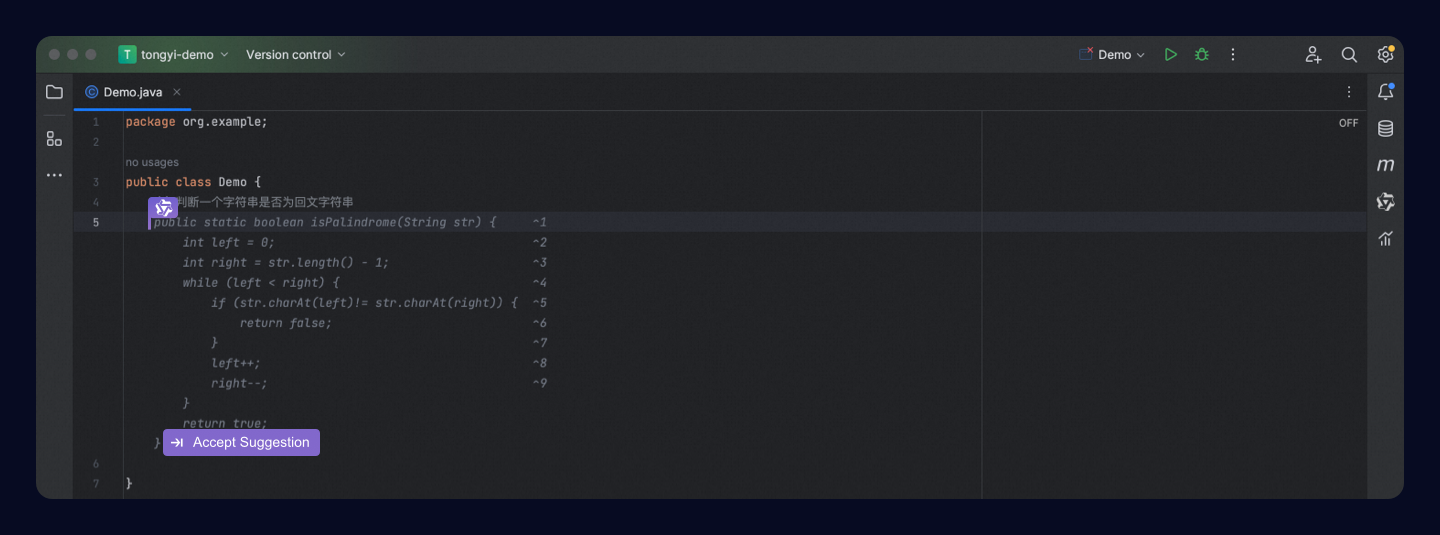
Describe your coding task in natural language in the editor. Qoder CN generates a code suggestion, and you can press Tab to accept it.
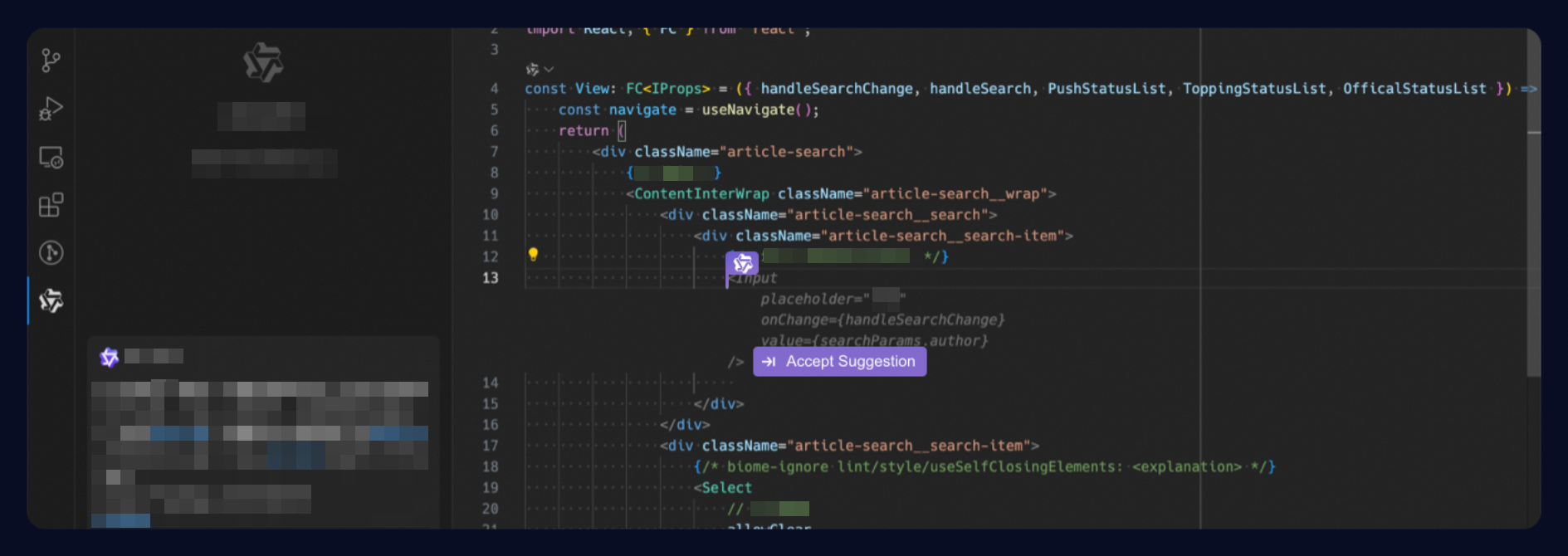
After an administrator enables a knowledge base for code completion, developers trigger suggestions by pressing ⌥(option) P (macOS) or Alt P (Windows). Qoder CN generates suggestions from the knowledge base that comply with enterprise standards.
Best practices for knowledge base as context for code completion.
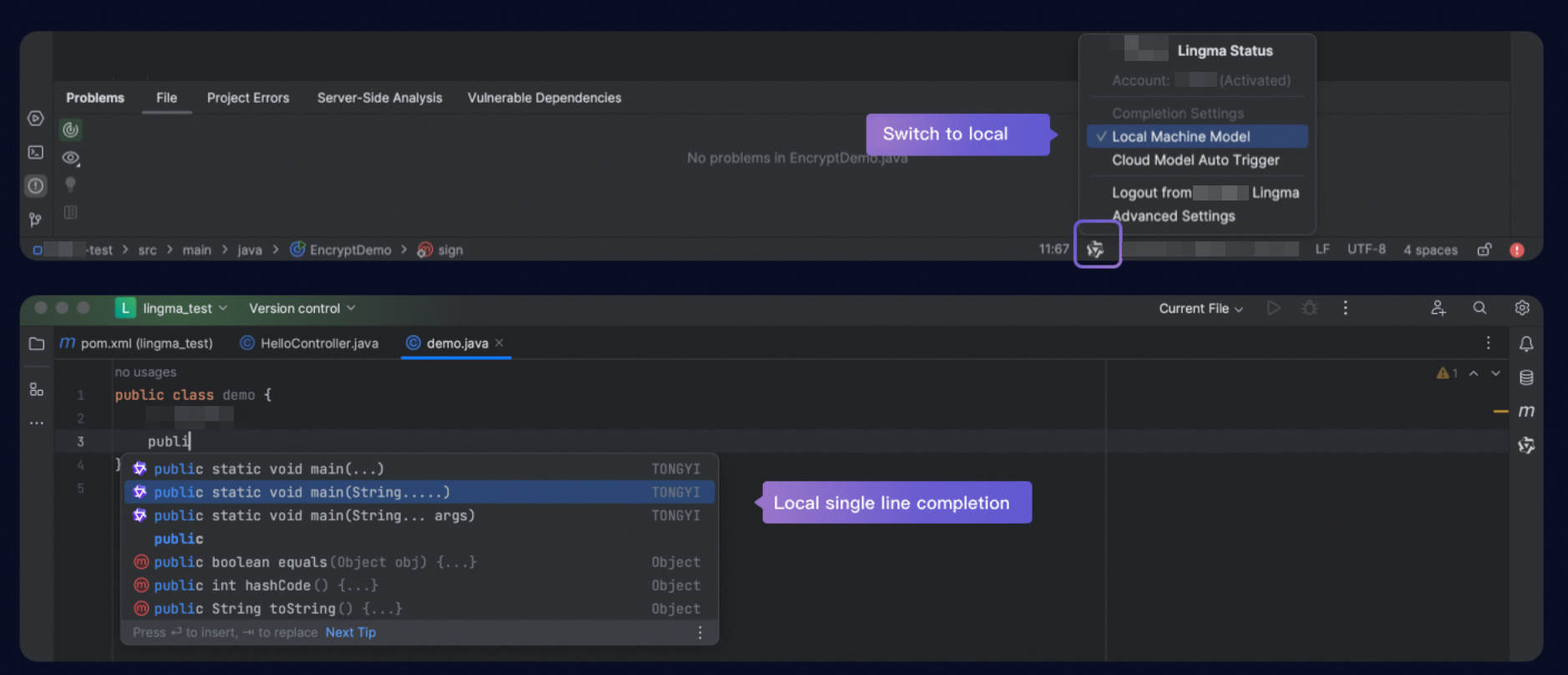
By default, Qoder CN uses a cloud-based model for code completion. If your network connection is poor or unstable, switch to local completion mode by clicking the Qoder CN icon in the status bar. In local mode, Qoder CN provides single-line code suggestions as you type.
To use Qoder CN in your IDE, install Qoder CN and sign in with your Alibaba Cloud account. Installation Guide.
Line and method-level completion
As you type code with automatic cloud-based generation enabled, Qoder CN provides line-level and method-level code suggestions based on context from your current and related files. Use keyboard shortcuts to accept, discard, or cycle through suggestions.
To manually trigger a suggestion, press ⌥(option) P on macOS or Alt P on Windows.
| Actions | macOS | Windows |
|---|---|---|
| Accept inline suggestion | Tab | Tab |
| Discard inline suggestion | Esc | Esc |
| Show previous inline suggestion | ⌥(option) [ | Alt [ |
| Show next inline suggestion | ⌥(option) ] | Alt ] |
| Trigger inline suggestion | ⌥(option) P | Alt P |
Natural language to code
Describe your coding task in natural language in the editor. Qoder CN generates a code suggestion, and you can press Tab to accept it.
Knowledge base for code completion
After an administrator enables a knowledge base for code completion, developers trigger suggestions by pressing ⌥(option) P (macOS) or Alt P (Windows). Qoder CN generates suggestions from the knowledge base that comply with enterprise standards.
Best practices for knowledge base as context for code completion.
Offline single-line completion
By default, Qoder CN uses a cloud-based model for code completion. If your network connection is poor or unstable, switch to local completion mode by clicking the Qoder CN icon in the status bar. In local mode, Qoder CN provides single-line code suggestions as you type.