

A plugin delivers related capabilities together, such as task instructions, tool connections, and resources for a professional workflow.
Open Extensions → Plugins to browse categories or search names and tags. Use Add plugin to add a package as supported by the client.
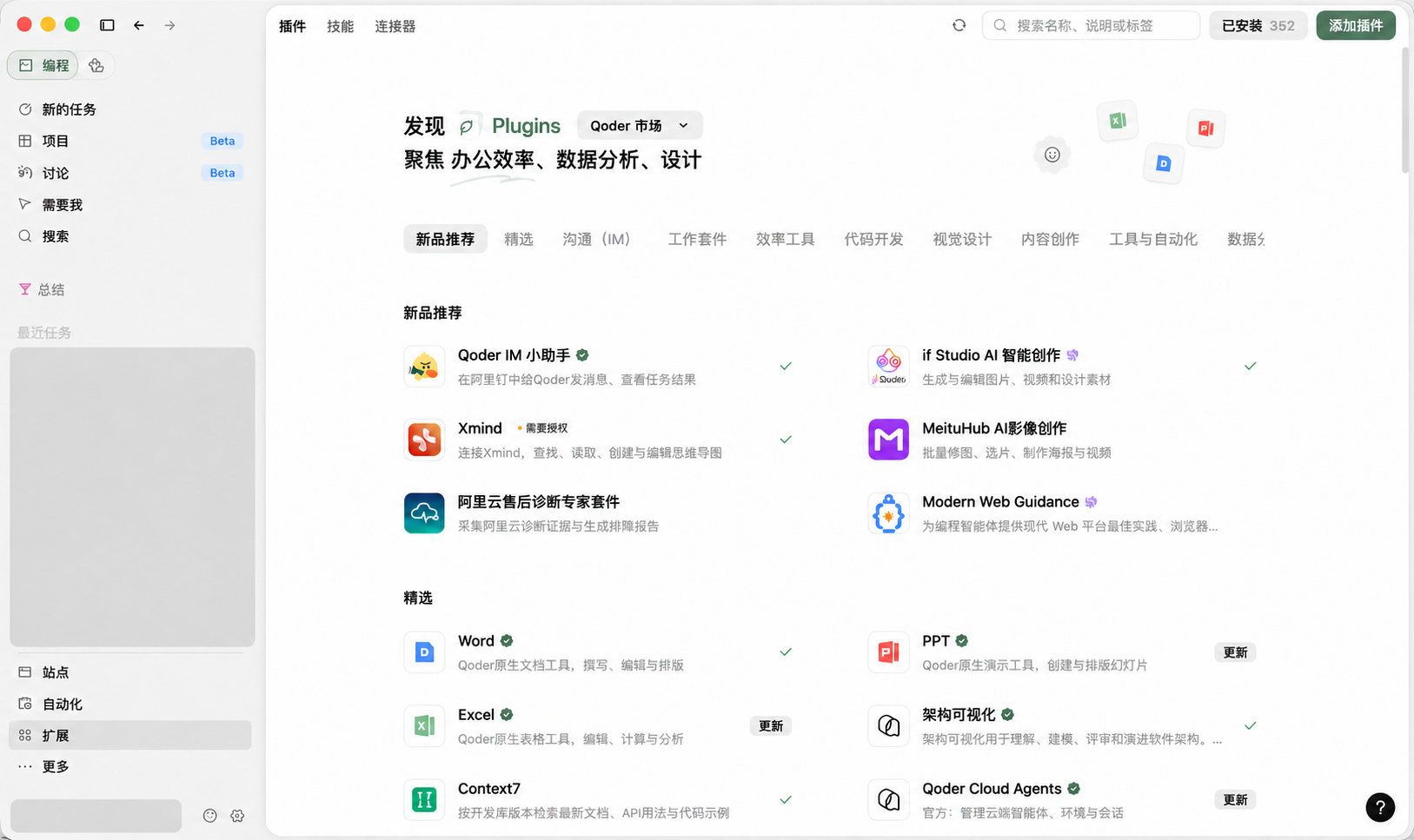 Client plugin marketplace. Listings and status depend on the client and account.
A task may need both a method and the tools to execute it. A plugin can deliver writing instructions, templates, and tool connections together, for example. A listing's name alone does not describe its internal structure.
For an independent method, see skills. For an online MCP service, see connectors.
If your plugin needs a model workbench or another specialized interface, read app plugin development.
Next: create and package; see the specification for structure requirements.
Find plugins in the client
Open Extensions → Plugins to browse categories or search names and tags. Use Add plugin to add a package as supported by the client.